Built in partnership with Google for Education
Sync to Cloud
Transfer Google Drive files to Google Cloud Storage efficiently. Reduce Workspace storage costs while maintaining data for compliance and analysis.
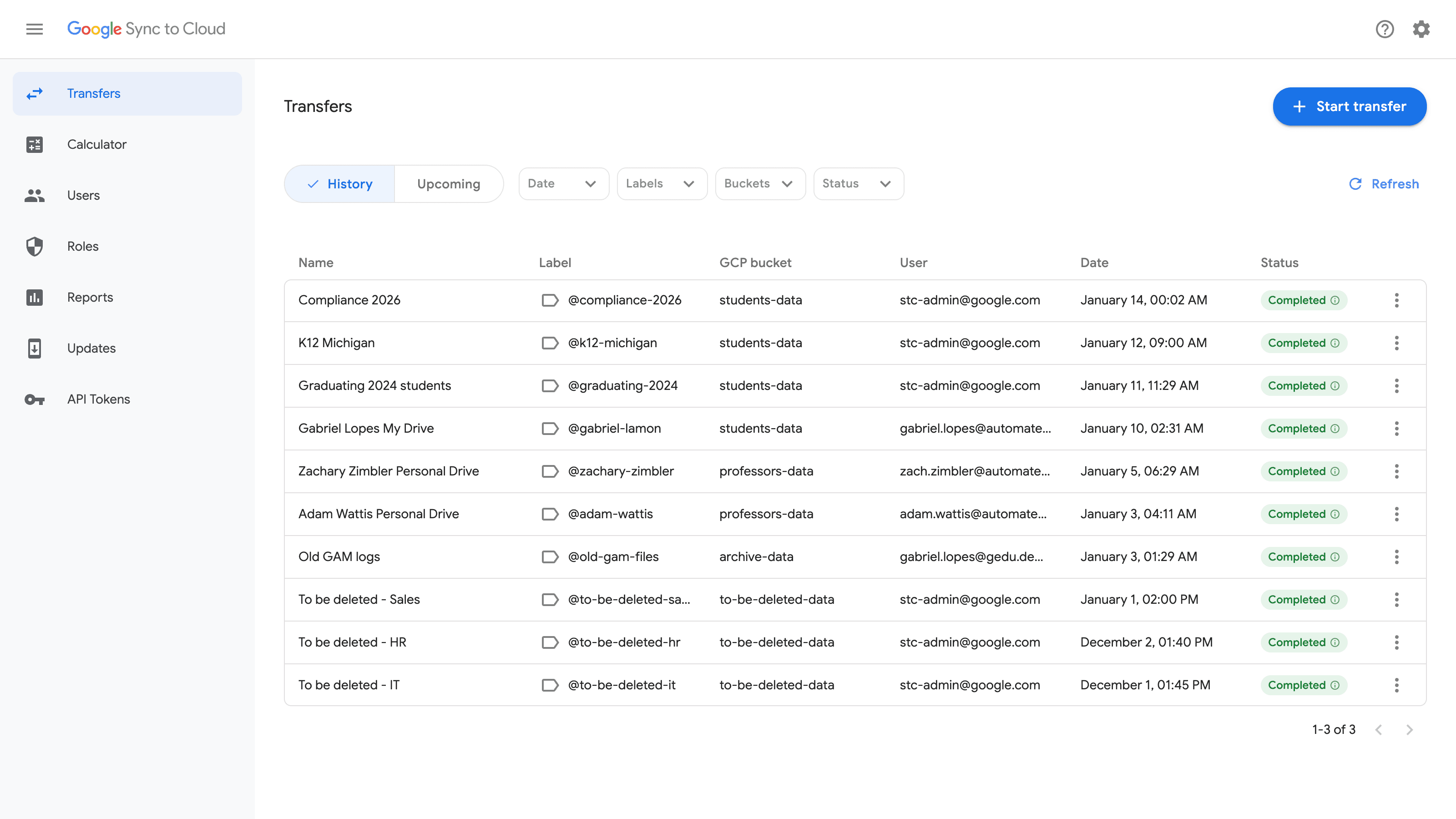
Transfer Google Drive files to Google Cloud Storage efficiently. Reduce Workspace storage costs while maintaining data for compliance and analysis.
By leveraging Google Drive labels, you can precisely target the files you want to move or copy.
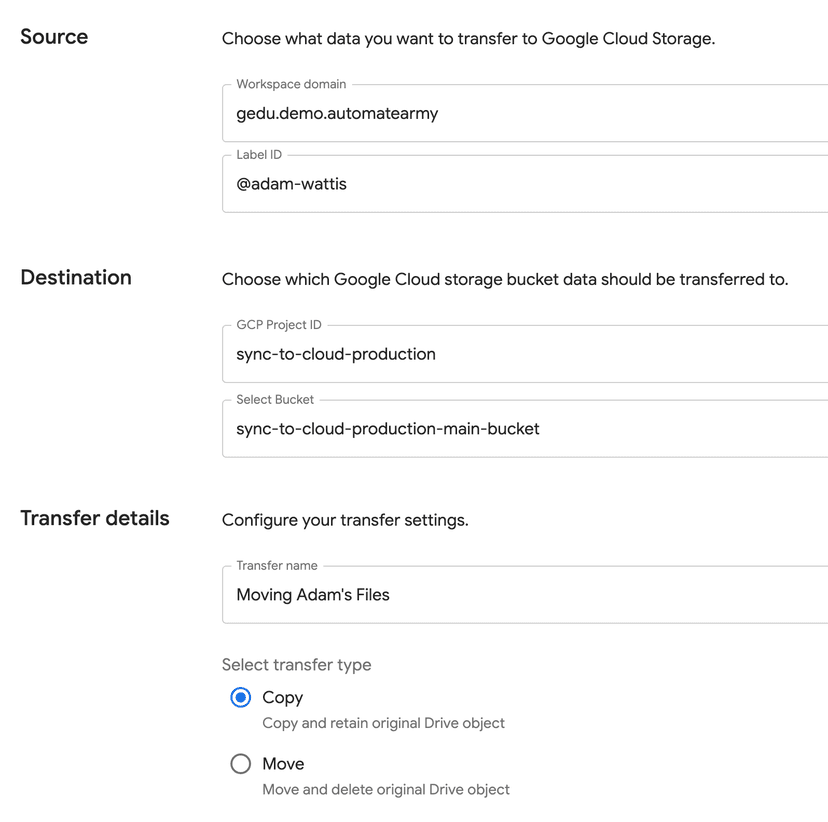
Just to name a few capabilities that make Sync to Cloud powerful
Move terabytes of data in a single transfer. Powered by Kubernetes and rclone for enterprise-scale performance.
Use Google Drive labels to select exactly which files to transfer. Access personal drives and shared drives across your organization.
Deployed in your own GCP tenant. You control all logs, costs, and metrics with complete data sovereignty.
Private network access only. All communication uses internal IPs, protected by Google Identity Aware Proxy.
Centralized update system keeps all deployments synchronized without manual intervention.
Programmatically create transfers, monitor status, and integrate with your existing workflows.
Trusted by leading educational institutions


The key advantages that led teams to choose this solution
Transfer data from expensive Workspace storage to cost-effective Google Cloud Storage while maintaining accessibility.
Keep data in the cloud for regulatory compliance, historical tracking, and analysis purposes.
Enable researchers and staff to directly access the tool and run transfers with proper permissions.
Move your data to cloud storage where your AI agents and tools can easily access it for advanced analytics and processing.
Contact us to learn more about implementing Sync to Cloud at your institution. The tool is heading to General Availability via Google Cloud Marketplace in H1 2026.